
If you have any issues, questions, or requests, hit me up on LinkedIn.
Setup
- Set up a ConvertAPI account (FREE NO CREDIT CARD): https://convertapi.com/
- OAuth to ConvertAPI
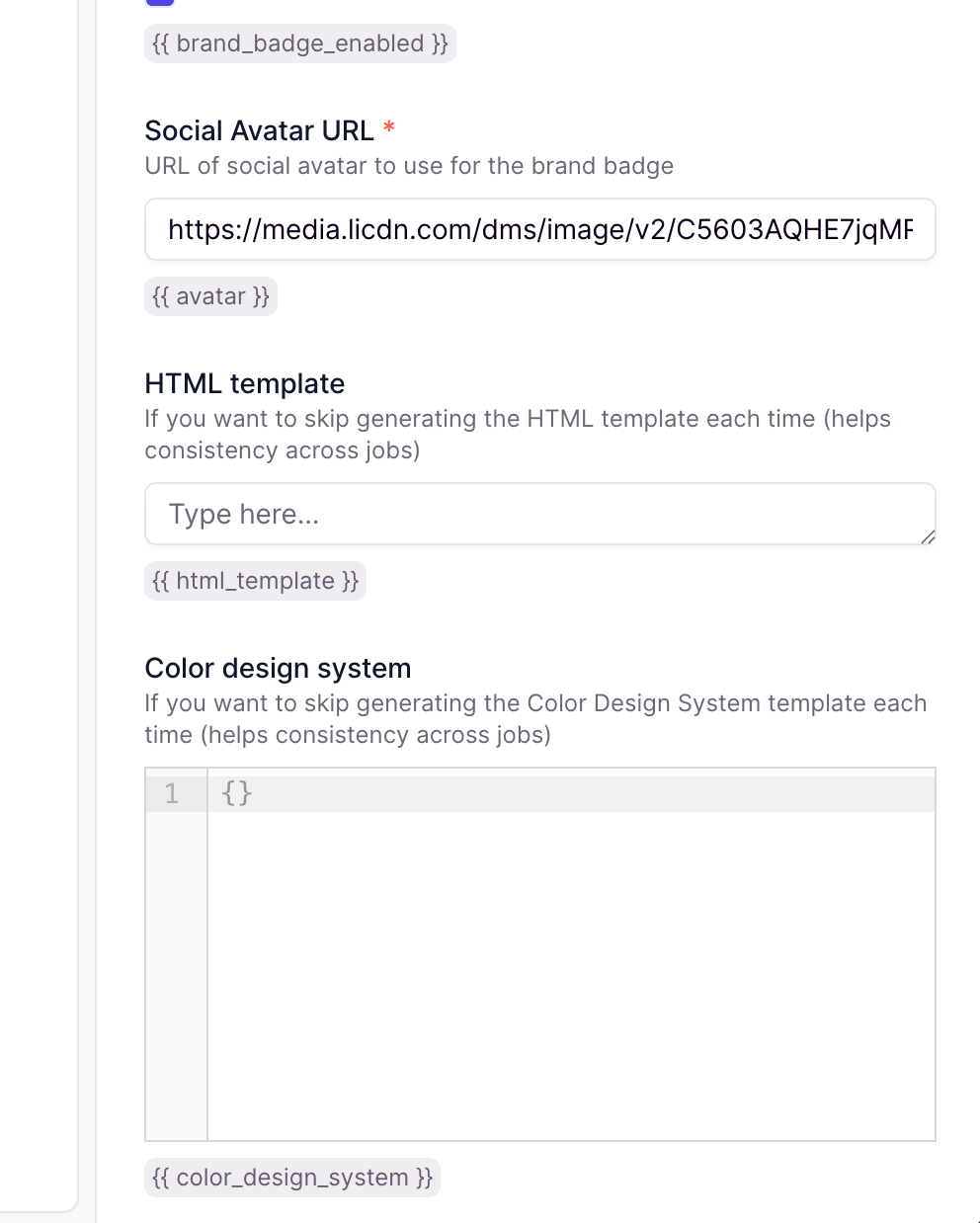
- Define your brand colours
- Define your title, name, and profile picture URL
You can get your profile picture URL by going to your LinkedIn profile, right-clicking on your profile picture, and selecting “Copy Image Address”.
Using
- Give your competitors’ profile URL (by default, it will scan their last 10 days)
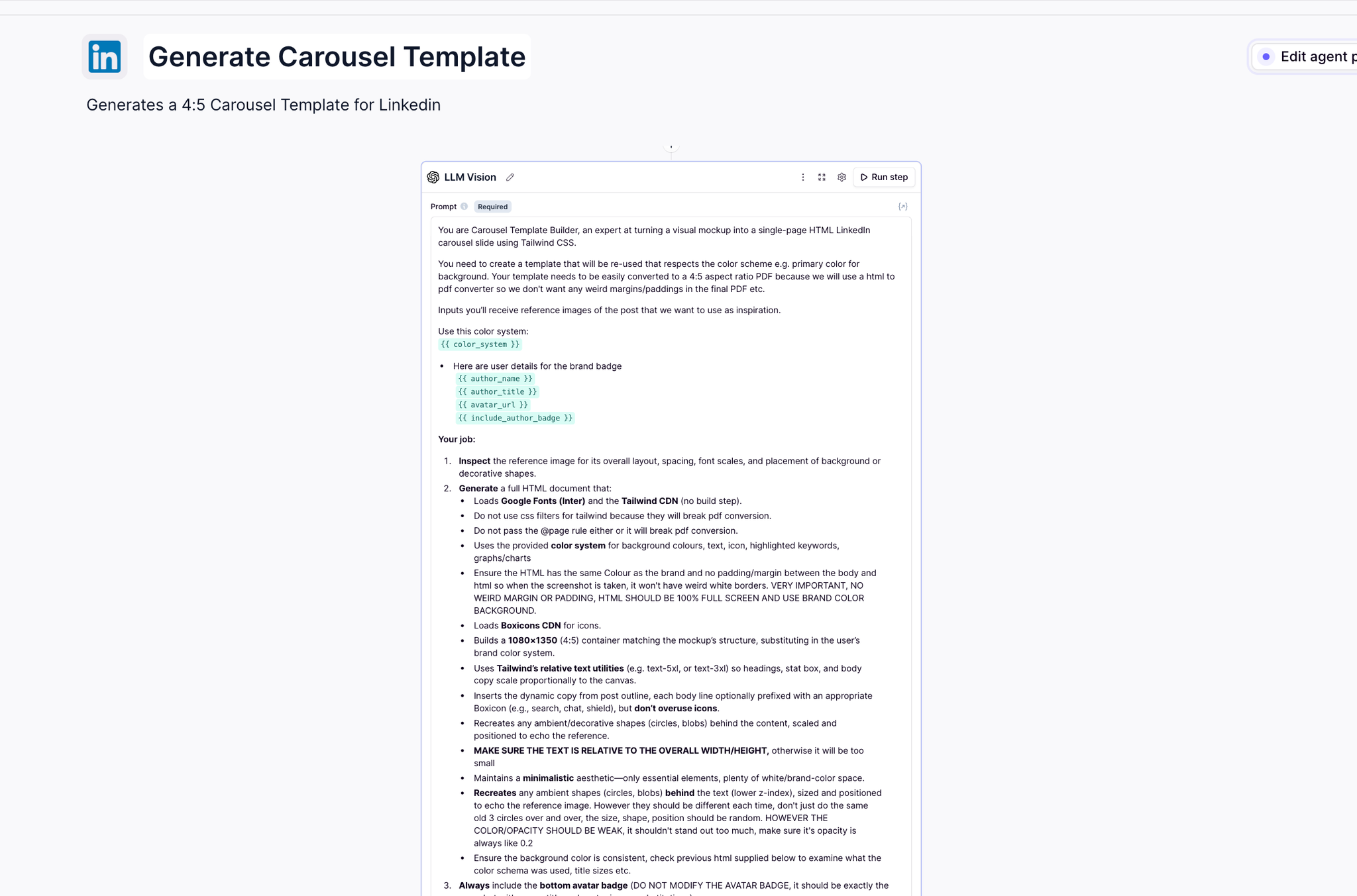
- Check the HTML examples in the tools, edit them if you want a different style
- Optionally add the Slack Send Message tool to alert you before generating/posting
- Optionally add LinkedIn Action → Post to schedule a post on LinkedIn
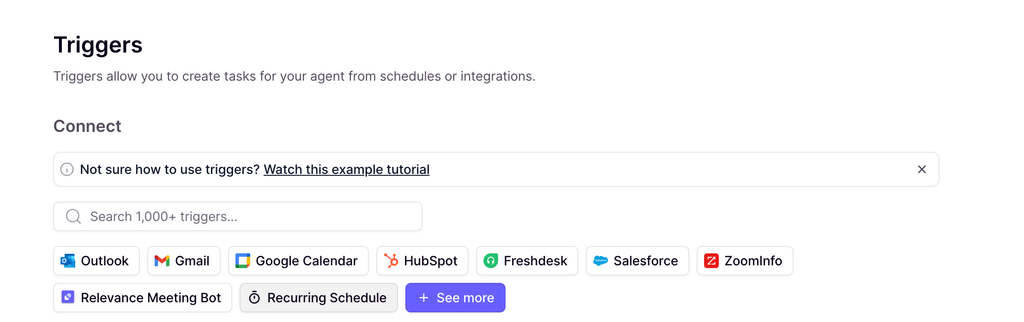
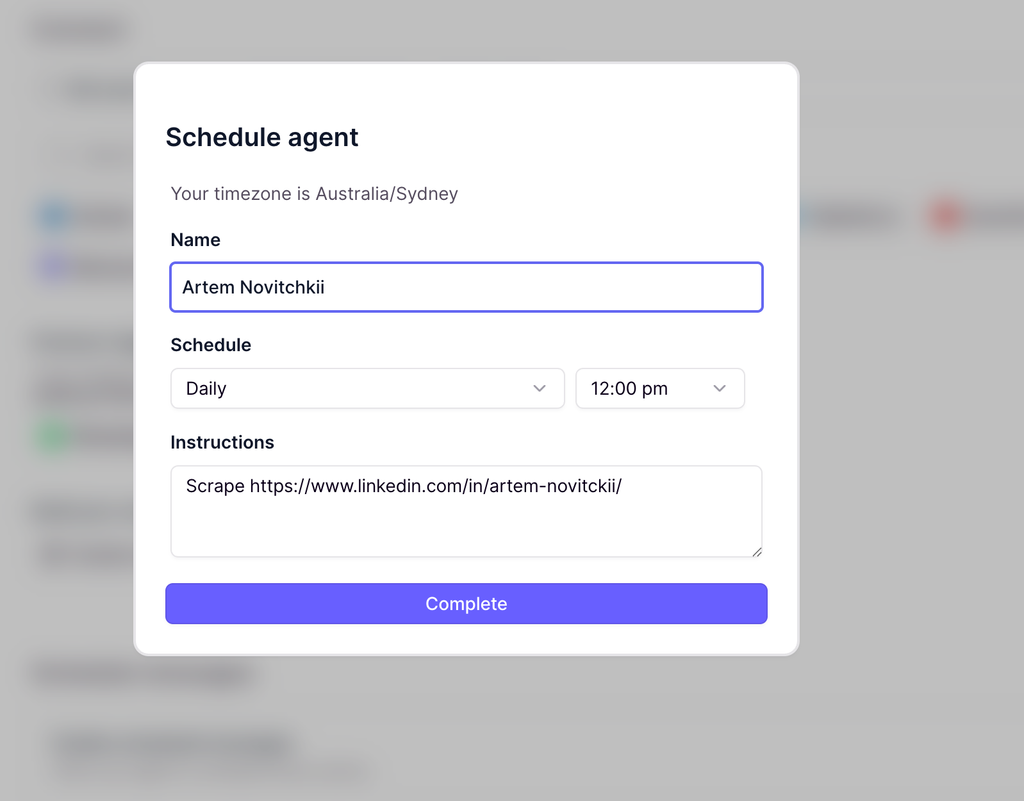
- To make it run on autopilot, create a Recurring Trigger and pass the profile of your competitor, make it run as often as you want, e.g.
A Team of 10, Fully Dedicated to Your LinkedIn
Your AI workforce that never sleeps, never takes a day off, and always delivers
Manages Content Schedule
Creates Graphics On-The-Fly
Creates & Posts Lead Magnets
Tracks What Works
Agent
The main meat of it is in the HTML example code, you can edit this with ChatGPT to get the style you want (check how it looks with https://htmledit.squarefree.com/)
You can save the output to:
Hit me up on LinkedIn if you have an agent you want to build and need some help, or want to make this production-ready for your brand.